Airbnb guidebook or digital welcome book: which do you need?
The Airbnb guidebook, the house manual and a digital welcome book compared: who sees what and when, how to make a free one, and what to keep on paper.
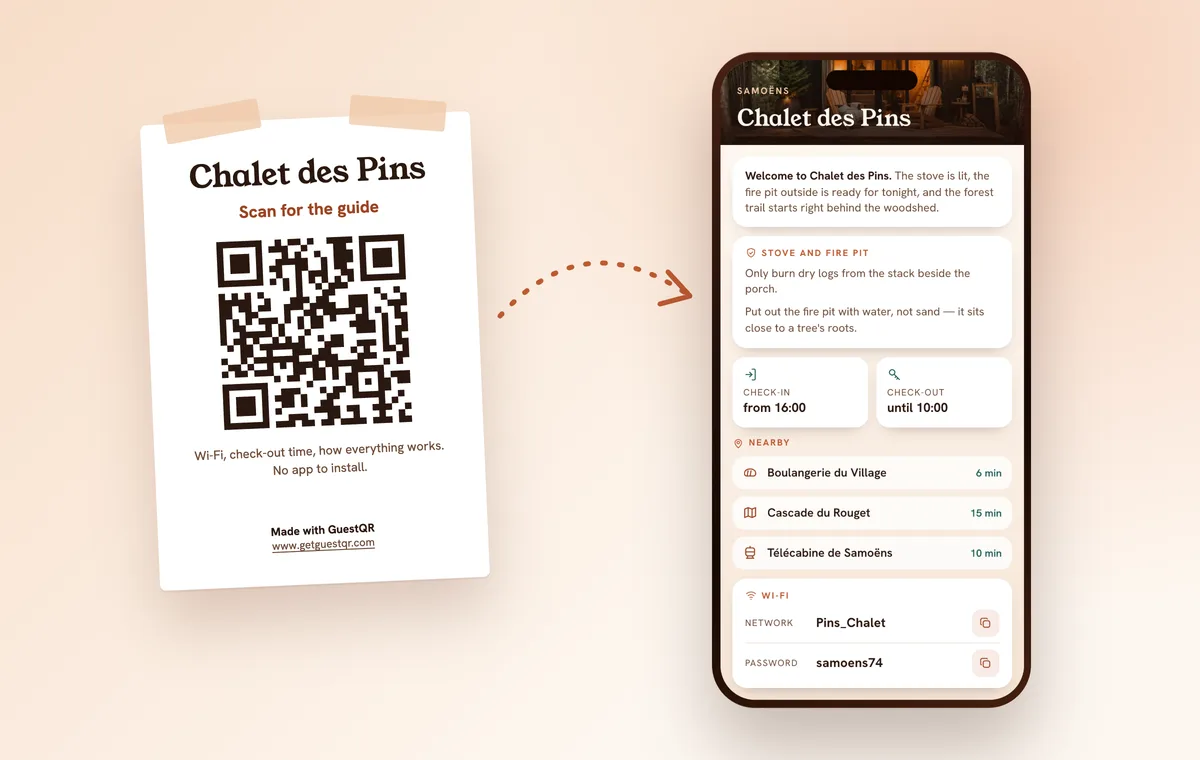
The Airbnb guidebook is Airbnb’s free tool for sharing your local tips. A digital welcome book is the whole guest guide – Wi-Fi, check-in, house rules, bins, local tips – on the guest’s phone, opened by QR code or link with no app to install. They overlap, but they are not the same thing.
Here is what each one does, who can see it and when, how to make a digital welcome book for free, and what still belongs on paper.
What is the Airbnb guidebook?
It is a list of your favourite places: restaurants, shops, parks, neighbourhoods, plus advice about the city. A few things worth knowing before you spend an evening on it (Airbnb):
- It is public. Anyone on Airbnb can see host guidebooks, not just your guests.
- It belongs to your account, not a listing. You choose which listings show it. Co-hosts can’t access new guidebooks.
- You can share or print it. A link works outside Airbnb, and “Preview and print” gives you a paper copy.
- Where to find it: Listings → your listing → Listing editor → Arrival guide → Guidebooks.
What it is not: a manual for the home. That is the house manual, which explains things like the TV or the spare blankets – and only guests with a confirmed reservation can see it (Airbnb). Detailed check-in instructions appear 48 hours before check-in (Airbnb).
Guidebook, house manual or digital welcome book?
| Airbnb guidebook | Airbnb house manual | PDF + QR code | Digital welcome book | |
|---|---|---|---|---|
| What it covers | Local tips | The home | Everything | Everything |
| Who can see it | Anyone on Airbnb | Confirmed Airbnb guests | Anyone with the link | Anyone with the QR code or link |
| Booking.com or direct guests | Via a shared link | No | Yes | Yes |
| Updating | Online | Online | Replace the file | Online, same QR code |
| On a phone | Good | Good, in the app | An A4 page to zoom | Made for phones |
| Cost | Free | Free | Free | Free or subscription |
If every booking comes through Airbnb, the guidebook plus the house manual can be enough. Once guests also arrive from Booking.com or book direct, you are maintaining the same information in two places – and one of them is always out of date.
Digital welcome book apps put the whole guide on one page for every guest. Before you pick one, check three things: does the guest have to install anything, how many languages are there, and what happens to the guide if you stop paying?
That is what GuestQR does: paste your Airbnb or Booking.com listing link (title, photos and address come across on their own), add the Wi-Fi, house rules and your local tips, and print the QR poster. Guests read the guide in their language – one of eight, translated by AI. The Wi-Fi password isn’t written into the page; it appears when the guest taps for it. Edit whenever you like and the QR code stays the same. 7 days free, then from €9 a month.
How to make a digital welcome book for free
No budget? A shared PDF does the job. Allow an hour.
- Fill in the guide. Start from our free Airbnb welcome book template: ten sections, you replace the brackets.
- Save it as a PDF. One section per page, large type – it will be read on a 6-inch screen.
- Put it online. Google Drive or any other storage, shared as “view only” with anyone who has the link.
- Make a QR code for that link with a free generator, print it and put it up by the door.
- Always edit the same file. In Google Drive, “Manage versions” replaces the file’s content (Google). A new file means a new link, and the printed QR code would still point to the old one.
The limits: one language per file, an A4 page to pinch and zoom, and anyone with the link can read all of it. For the Wi-Fi, add a separate QR code that connects the phone without typing the password: make one free here.
What a good digital welcome book does
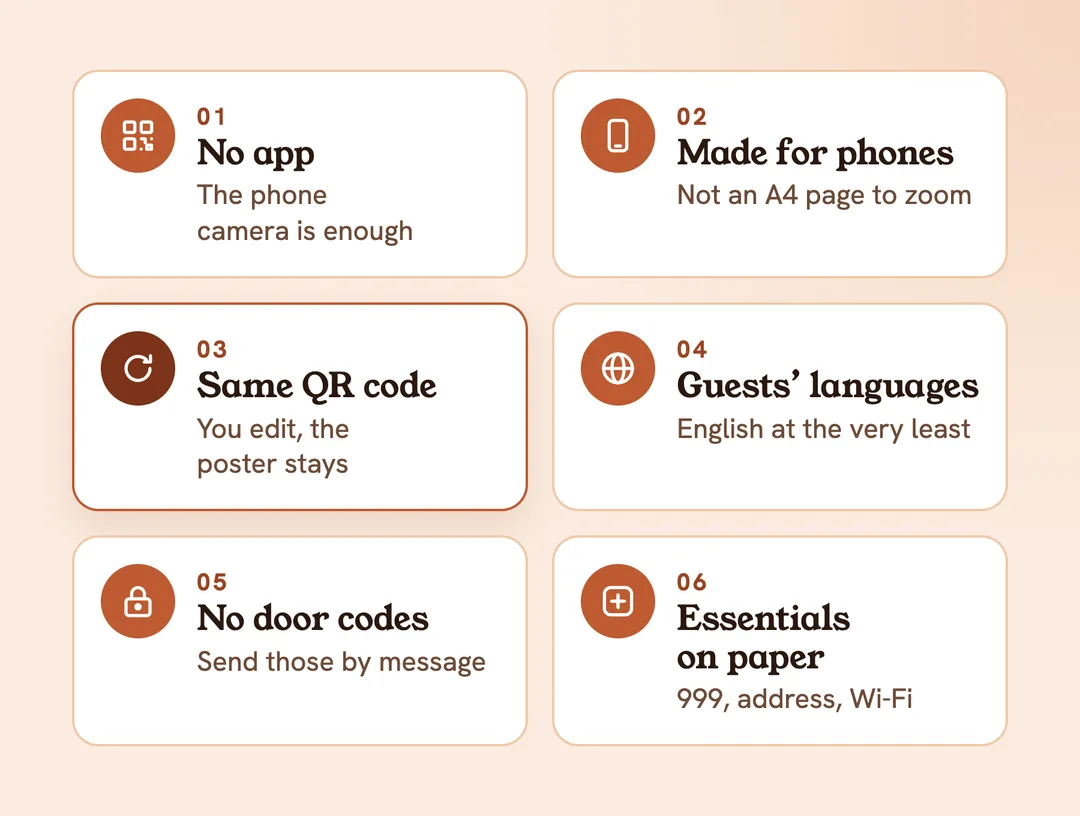
Whatever tool you use, keep these six rules.
- Opens without an app. The guest points the camera, the page opens. No account, no download.
- Reads well on a phone. Text fits the screen; the Wi-Fi is at the top, not on page seven.
- Keeps the same QR code. You edit the guide, the printed poster still works.
- Speaks the guest’s language. A German or Italian family reads faster in their own.
- Publishes nothing that opens the door. Links get forwarded. Send the lockbox code by message on arrival day – more in our guide to Airbnb self check-in.
- Keeps the essentials on paper. 999 or 112, the exact address and the Wi-Fi on a sheet by the door: a flat phone can’t scan anything.
What still belongs on paper
In England, the government’s fire safety guide for small paying guest accommodation says to include the escape route and the location of exit doors in the information pack you give guests, along with how to call the emergency services and where the property is – especially if the postcode doesn’t pinpoint it (gov.uk).
A digital welcome book is a good home for that information. But the same guide also describes a Fire Action notice – and a notice is something on the wall, readable at 3 am with the power off. Keep it there, and let the digital guide carry everything else.